Technical Documentation

All-In-One (Windows)

Die All-In-One-Installation ermöglicht es Ihnen, Aparavi auf einem einzelnen Knoten zu installieren. Die Installation konfiguriert jeden der Knoten automatisch.

Die All-In-One-Installation ermöglicht es Ihnen, Aparavi auf einem einzelnen Knoten zu installieren. Die Installation konfiguriert jeden der Knoten automatisch. Zusätzlich installiert der All-In-One-Installer MySQL.

  1. Starten Sie die Installationsdatei.
    1. Start the install executable
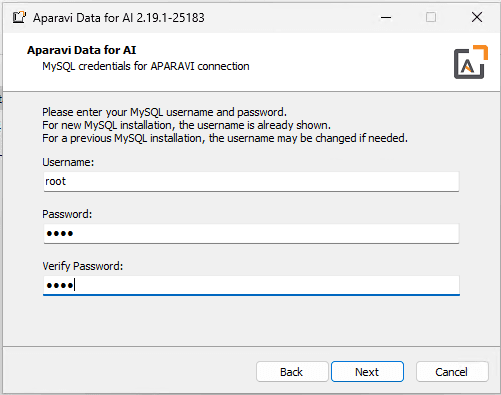
  2. Geben Sie ein Passwort für den Benutzer “Root” ein. Der All-In-One-Installer verwendet immer Root anstelle eines anderen Benutzernamens.
    1. Entering a password for the the user "root". the all-in-one installer will always use root vs another username
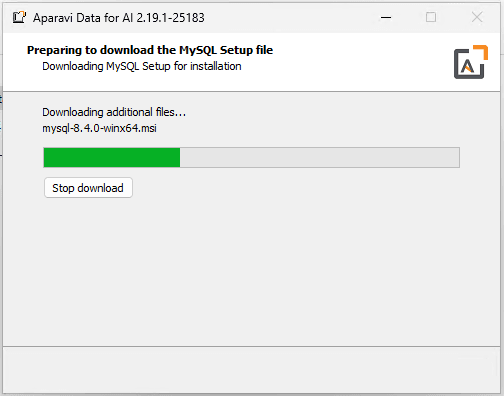
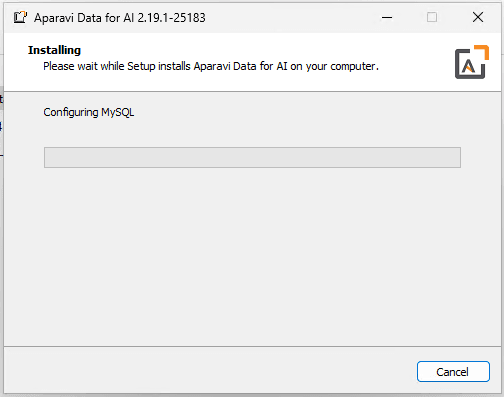
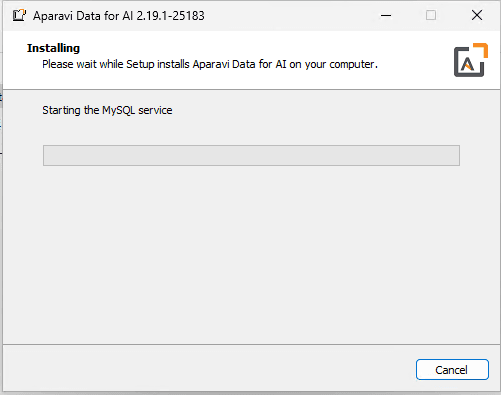
  3. Der Installer lädt dann MySQL herunter und konfiguriert es.
    1. The installer will then download and configure MySQL
    2. The installer will then download and configure MySQL
    3. The installer will then download and configure MySQL
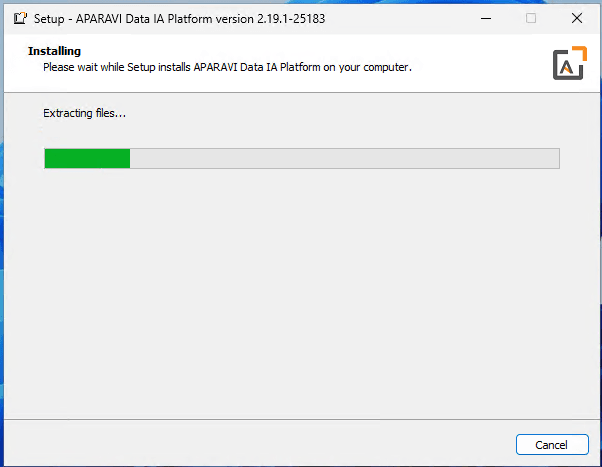
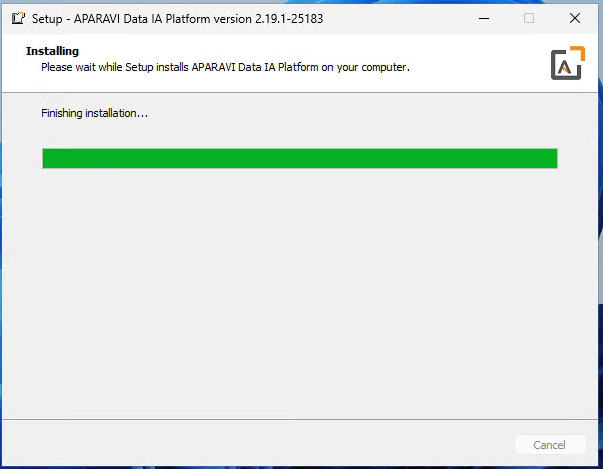
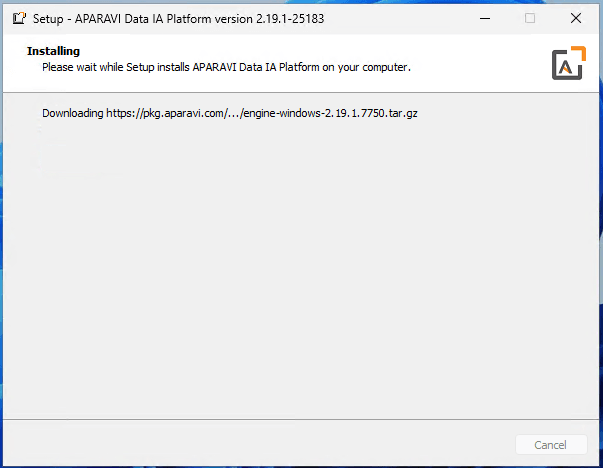
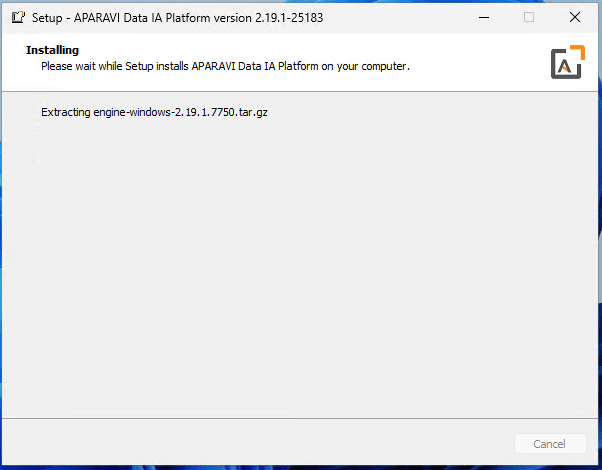
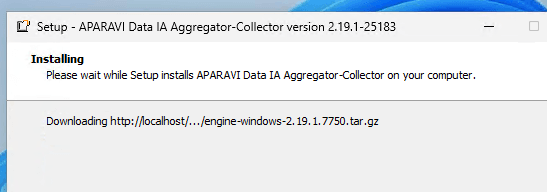
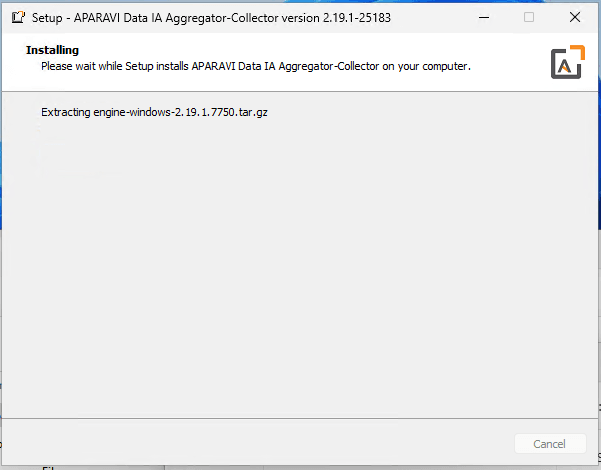
  4. Sobald MySQL installiert ist, beginnt der Installer mit der Installation von Aparavi. Der All-In-One-Installer scheint mehrmals zu laufen. Zuerst wird die Platform installiert, dann wird fortgefahren und der Aggregator-Collector installiert.
    1. Installer will start installing Aparavi. The All-In-One installer
    2. Installer will start installing Aparavi. The All-In-One installer
    3. Installer will start installing Aparavi. The All-In-One installer
    4. Installer will start installing Aparavi. The All-In-One installer
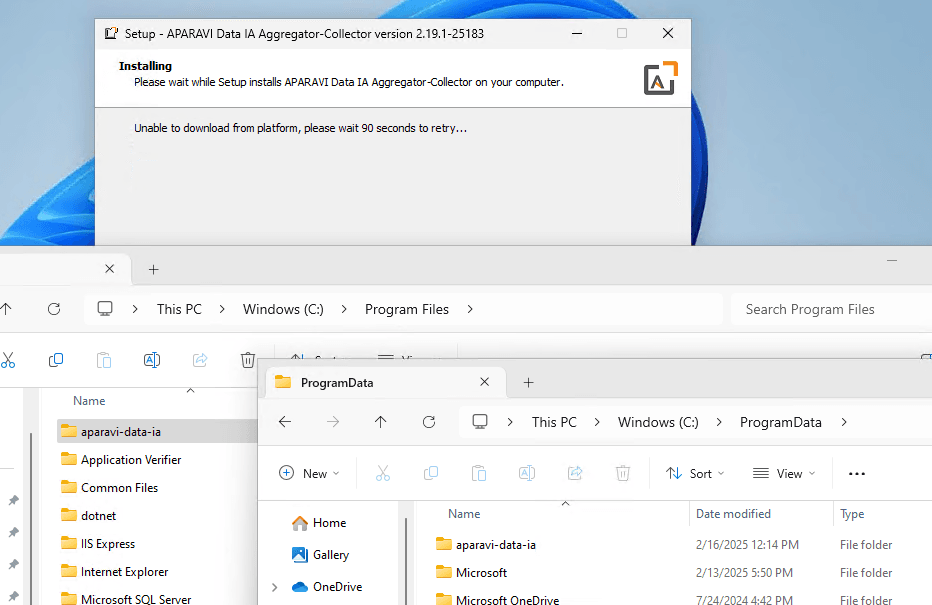
  5. Gelegentlich muss der Installer warten, bis die Dateien fertig kopiert sind. Sobald der PROGRAMDATA-Ordner befüllt ist, wird fortgefahren.
    1. Occasionally, the installer will have to wait for the files to finish copying. Once the PROGRAMDA...
    2. Occasionally, the installer will have to wait for the files to finish copying. Once the PROGRAMDA...
    3. Occasionally, the installer will have to wait for the files to finish copying. Once the PROGRAMDA...
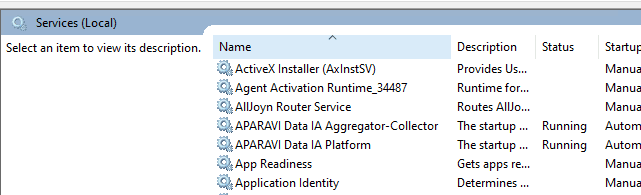
  6. Sobald die Installation abgeschlossen ist, bestätigen Sie, dass die Aparavi-Dienste ausgeführt werden.
    1. Once it completes the install, confirm the Aparavi services are running
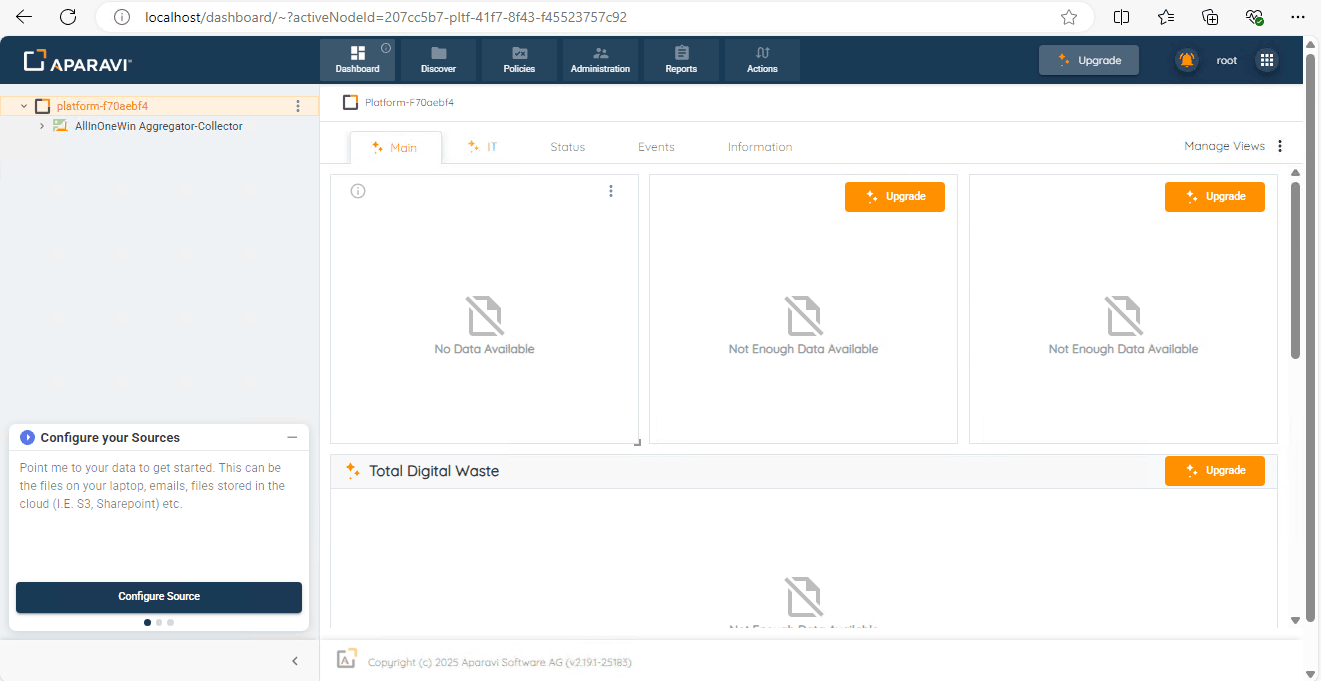
  7. Sobald die Dienste laufen, melden Sie sich bei Aparavi an. Sie müssen zunächst ein Aparavi-Konto erstellen.
    1. Once the services are running, login to Aparavi. You'll need to create an Aparavi Account first
    2. Once the services are running, login to Aparavi. You'll need to create an Aparavi Account first
  8. Sie können Aparavi nun konfigurieren.
    1. You can now configure Aparavi
On this page
    Start typing to search...